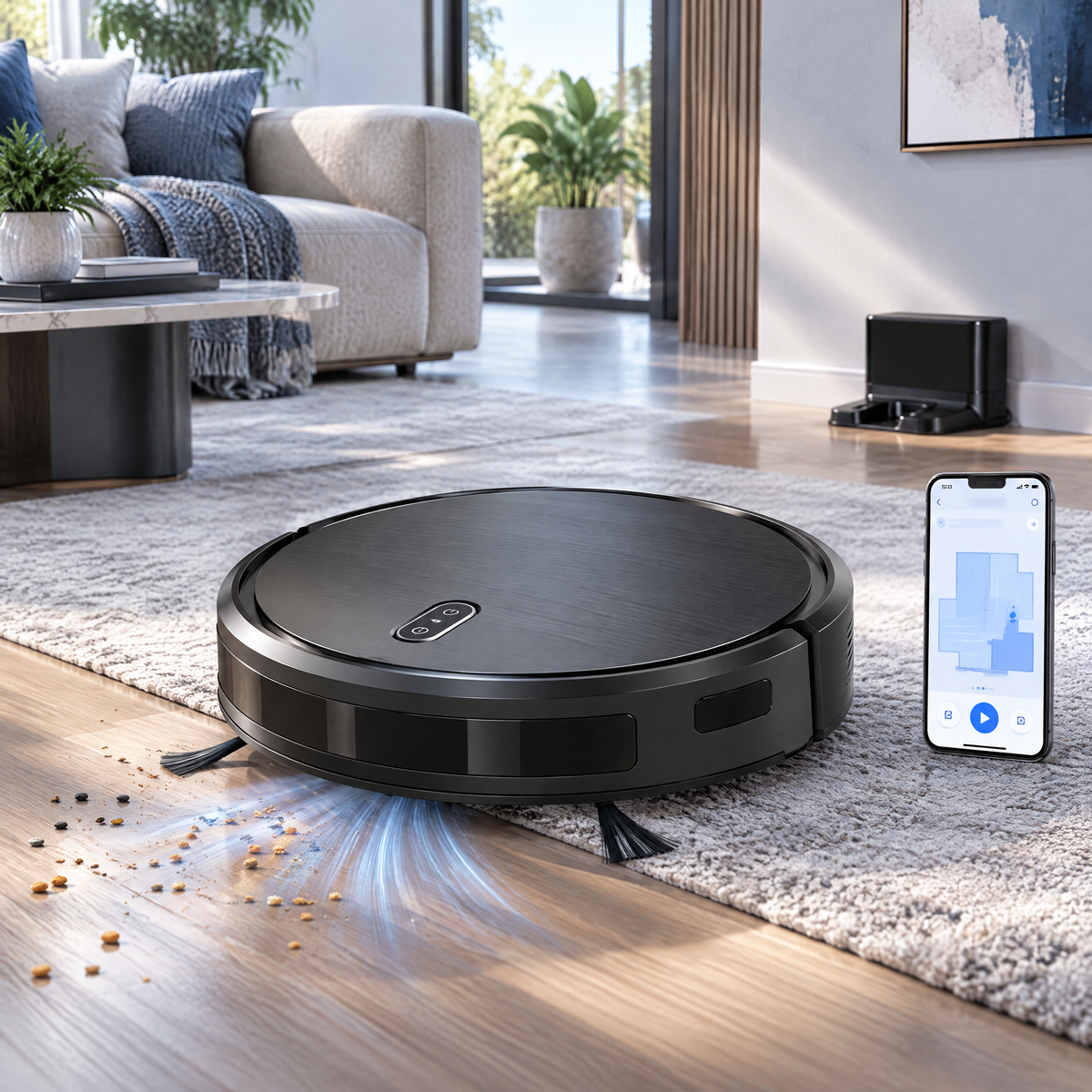
Hosiezc™ GlideMate Smart Robot Vacuum
Hosiezc™ GlideMate Smart Robot Vacuum
Couldn't load pickup availability
GlideMate Smart Robot Vacuum
An approachable connected robot vacuum designed for routine dry floor maintenance. Gyroscope-assisted navigation supports more structured cleaning paths, while app scheduling, automatic charging and edge cleaning help reduce everyday floor-care effort.
Thoughtful function, refined into a cleaner form.
Hosiezc™ pairs practical smart-home functions with a restrained silver-blue visual language, simple controls and specifications suited to everyday U.S. household use.
Gyro-Assisted Navigation
Supports systematic cleaning patterns rather than relying entirely on random movement.
App Scheduling
Start, pause and schedule compatible cleaning routines from the mobile app.
Hard Floor + Low-Pile Carpet
Designed for common sealed hard flooring and suitable low-pile carpet.
Automatic Recharge
The robot returns to its charging dock when battery power becomes low under normal operating conditions.
Edge Brush System
Side brushes move debris away from walls and toward the primary intake path.
Obstacle & Cliff Sensors
Onboard sensors assist navigation around common furniture and stair edges under suitable conditions.
What’s built into this model
- Charging dock input: 120V AC, 60Hz
- Battery: rechargeable lithium-ion
- Runtime: up to approx. 100 minutes under suitable conditions
- Dust bin: approx. 16.9 fl oz
- Connectivity: 2.4 GHz Wi-Fi
- Approx. robot height: 3.1 in
- Dry vacuuming only
Made for real rooms, not exaggerated claims.
Product performance depends on placement, operating conditions, maintenance and the environment in which the product is used. Hosiezc™ describes intended household functions without presenting ordinary smart-home products as medical, professional, life-safety or guaranteed-performance equipment.
Read before use
Sensors reduce risk but cannot guarantee avoidance of every stair, object or hazard. Block access to balconies, open staircases and dangerous drops when necessary. Remove loose cords, small toys and fragile objects before cleaning. Do not use the robot to collect liquids, burning debris or flammable materials.
Setup & everyday use
-
01
Place the charging dock against a wall on a level floor and connect it to power.
-
02
Fully charge the robot before its first cleaning cycle.
-
03
Remove loose cables, small objects and unstable items from the cleaning area.
-
04
Install the compatible app and pair the robot using a 2.4 GHz Wi-Fi network if smart functions are desired.
-
05
Start a cleaning cycle or create a schedule.
-
06
Empty the dust bin regularly.
-
07
Clean brushes, wheels, charging contacts and sensors according to routine maintenance needs.
Share