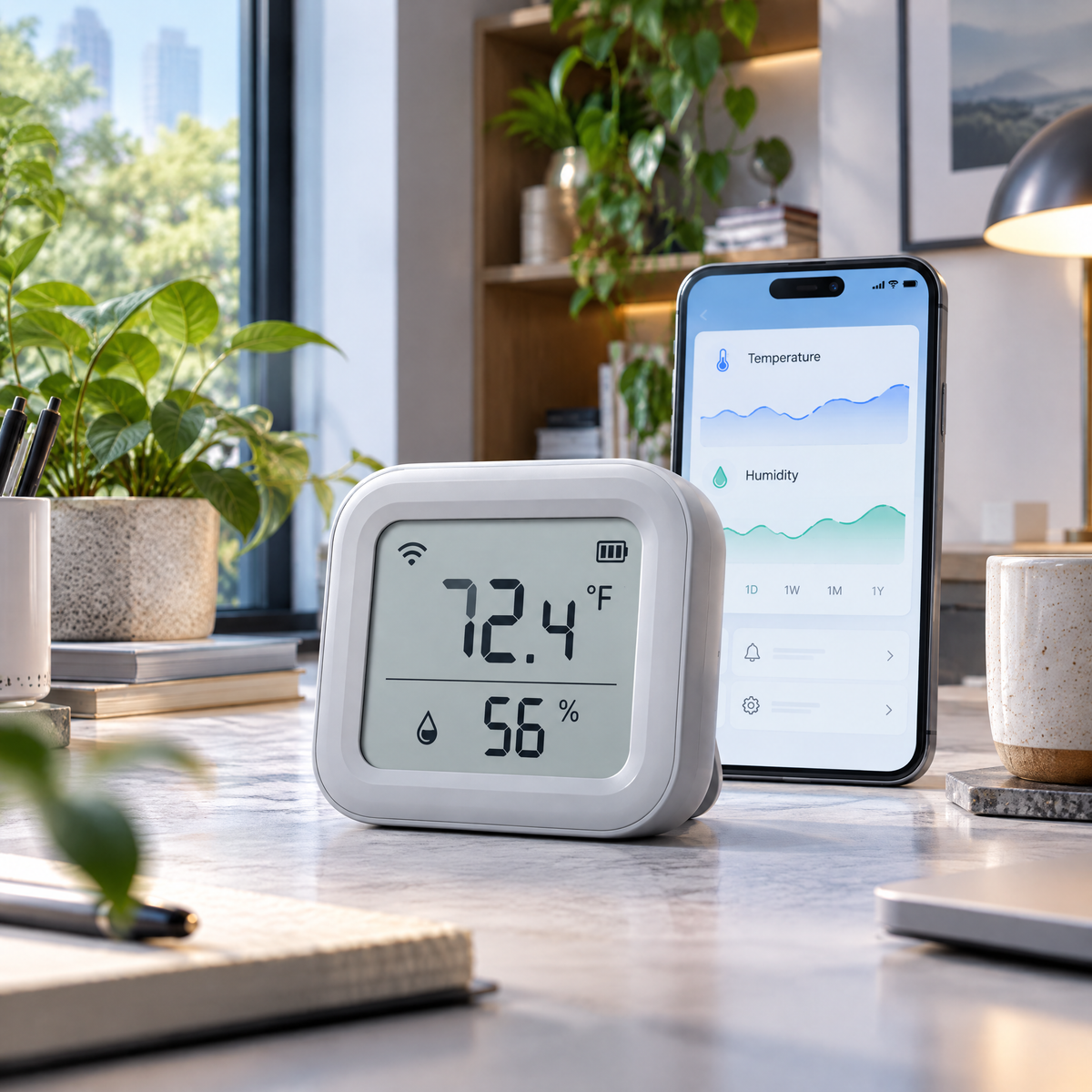
Hosiezc™ ClimateDot Smart Temperature & Humidity Monitor
Hosiezc™ ClimateDot Smart Temperature & Humidity Monitor
Couldn't load pickup availability
ClimateDot Smart Temperature & Humidity Monitor
A compact indoor monitor that combines an easy-to-read display with app-based temperature and relative-humidity history. It is designed for ordinary bedrooms, home offices, storage areas and other indoor spaces where seeing environmental trends can be useful.
Thoughtful function, refined into a cleaner form.
Hosiezc™ pairs practical smart-home functions with a restrained silver-blue visual language, simple controls and specifications suited to everyday U.S. household use.
Temperature Monitoring
Displays indoor temperature with selectable °F or °C units.
Relative Humidity Reading
Shows current indoor relative humidity as a percentage.
App History
Review compatible historical readings and trends from your phone.
Adjustable Notifications
Set user-selected high and low thresholds in the compatible app.
Clear LCD Screen
Check current room conditions without opening an app.
Low-Power Design
Designed for continuous everyday household monitoring.
What’s built into this model
- Temperature display: °F / °C
- Humidity display: % RH
- Wireless: 2.4 GHz Wi-Fi / Bluetooth setup
- Power: USB-C
- Approx. size: 3.1 × 2.6 × 0.9 in
- Indoor use only
Made for real rooms, not exaggerated claims.
Product performance depends on placement, operating conditions, maintenance and the environment in which the product is used. Hosiezc™ describes intended household functions without presenting ordinary smart-home products as medical, professional, life-safety or guaranteed-performance equipment.
Read before use
For general household environmental monitoring only. Not intended for medical, laboratory, food-safety or other safety-critical measurement. Readings may vary with placement, airflow and nearby heat or moisture sources. Keep the unit dry and use only a compatible power source.
Setup & everyday use
-
01
Connect the monitor to power.
-
02
Select °F if preferred for U.S. household use.
-
03
Install the compatible app and pair the monitor if smart features are desired.
-
04
Place the unit away from direct sunlight, HVAC vents, humidifiers and cooking steam.
-
05
Allow readings time to stabilize after moving the device.
-
06
Configure optional temperature or humidity notification thresholds in the app.
Share