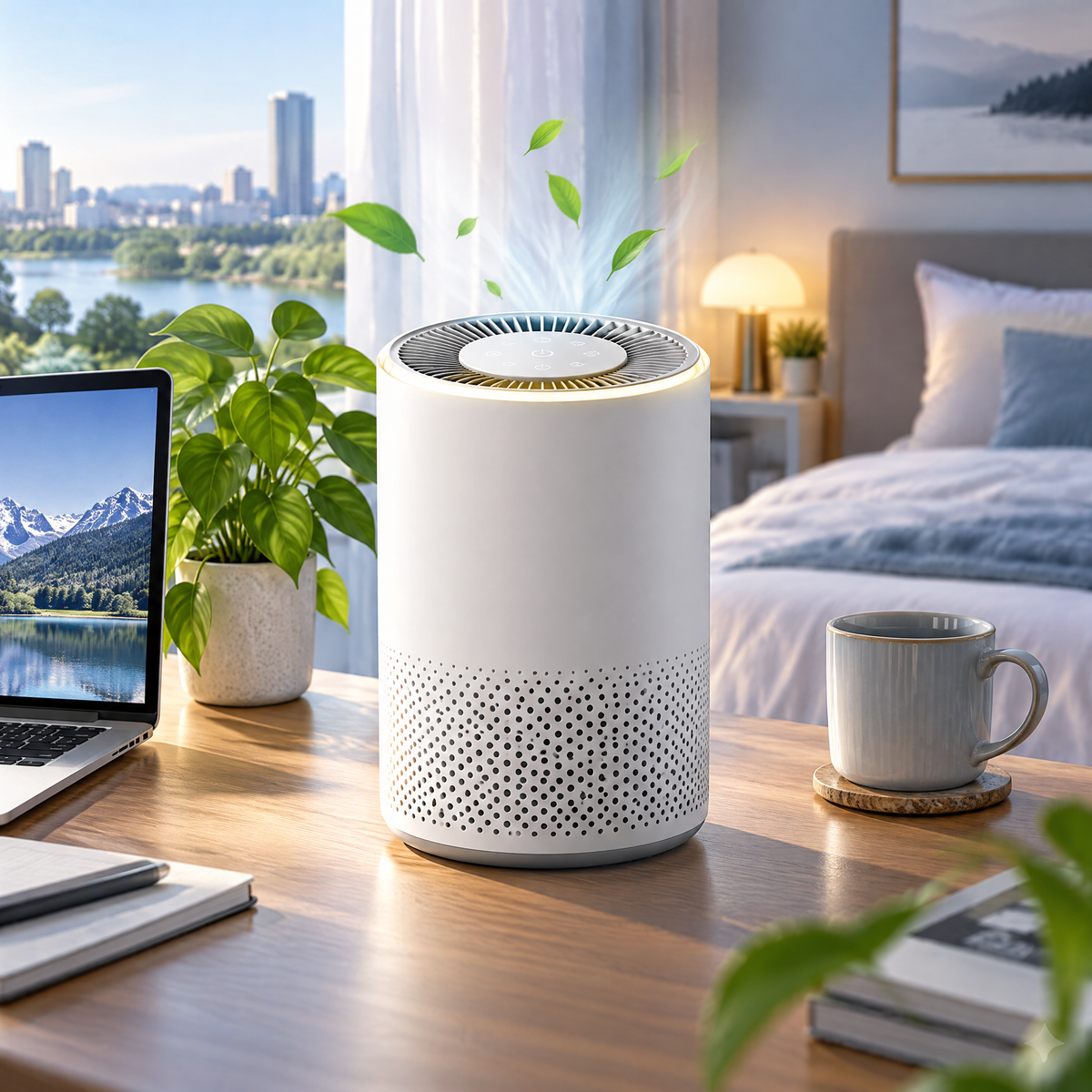
Hosiezc™ AirDot Mini Desktop Air Purifier
Hosiezc™ AirDot Mini Desktop Air Purifier
Couldn't load pickup availability
AirDot Mini Desktop Air Purifier
A compact desktop air-cleaning appliance for bedrooms, offices, dorm rooms and other small personal spaces. Air enters through the lower intake, passes through a replaceable multi-stage cartridge and returns through the upper outlet in a clean, space-conscious form.
Thoughtful function, refined into a cleaner form.
Hosiezc™ pairs practical smart-home functions with a restrained silver-blue visual language, simple controls and specifications suited to everyday U.S. household use.
360° Air Intake
Air can enter around the purifier instead of relying on one narrow intake opening.
Multi-Stage Filter
A pre-filter, fine-particle filtration layer and activated-carbon layer work together as air passes through the cartridge.
Sleep Setting
Lower fan output and reduced display brightness make nighttime operation less intrusive.
Optional Night Light
A subtle integrated light can be switched independently from the fan.
Replaceable Cartridge
Twist-lock filter access keeps routine maintenance straightforward.
Simple Top Controls
Core fan and lighting controls remain easy to reach without requiring app setup.
What’s built into this model
- Rated power: approx. 7W
- Input: 5V DC
- Fan speeds: 3
- Filter: replaceable multi-stage cartridge
- Approx. size: 6.5 × 6.5 × 9.8 in
- USB-C powered
- Recommended for small personal indoor spaces
Made for real rooms, not exaggerated claims.
Product performance depends on placement, operating conditions, maintenance and the environment in which the product is used. Hosiezc™ describes intended household functions without presenting ordinary smart-home products as medical, professional, life-safety or guaranteed-performance equipment.
Read before use
This product is not a medical device and is not intended to diagnose, treat, cure or prevent disease. Performance varies with room conditions, placement, filter condition and operating speed. Do not block the intake or outlet. Keep away from water. Do not operate with a damaged cable or power source.
Setup & everyday use
-
01
Remove all packaging before use.
-
02
Open the purifier and remove any protective bag from the filter cartridge.
-
03
Reinstall the filter correctly and close the housing.
-
04
Place the purifier on a level surface with open space around the intake and outlet.
-
05
Connect to a compatible power source and select a fan speed.
-
06
Inspect the pre-filter area regularly and replace the cartridge according to actual condition and use.
-
07
Do not wash a filter unless its replacement-filter instructions specifically state that it is washable.
Share